Short answer
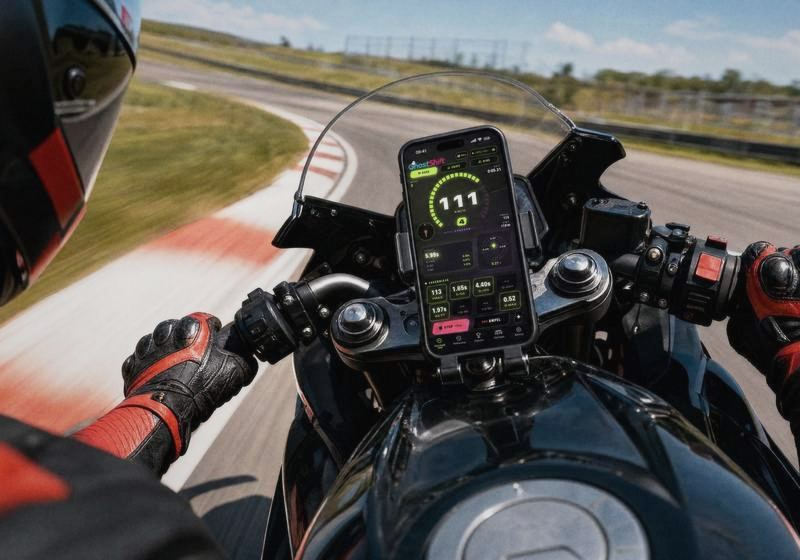
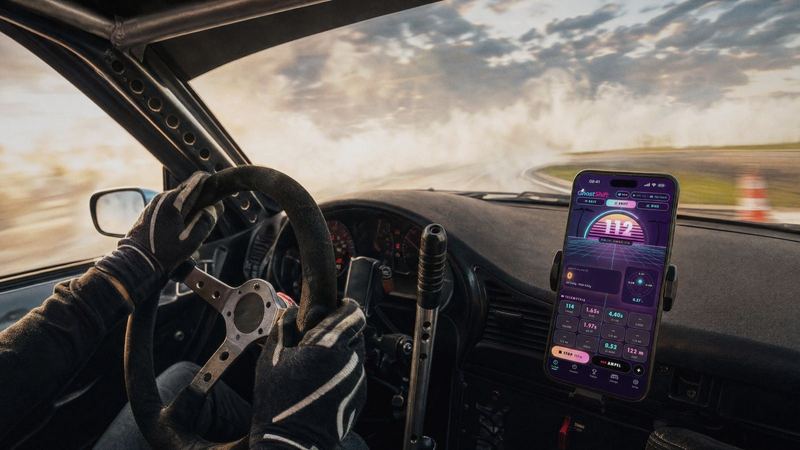
With an app such as GhostShift, an iPhone times laps at outdoor kart tracks, as long as it is firmly mounted and the operator allows it. Indoor tracks don't work: GPS has no usable reception inside buildings. Where the track has its own timing, that stays official; the phone adds sectors, a predicted lap, speed trace and map.
Indoor or outdoor: why GPS fails under a roof
A lap timer app on a phone needs GPS, and GPS needs a clear view of the sky. GPS.gov, the US government's GPS information site, lists three common causes of poor positioning: signal blockage by buildings, bridges and trees; indoor or underground use; and signals reflected off walls1. An indoor kart hall combines all three. The phone simply doesn't know reliably where it is, so it can't detect a line your kart crosses either.
Under open sky things look different. According to GPS.gov, smartphones are typically accurate to within 4.9 m (16 ft) there1. That is enough to find the start/finish line again lap after lap and to draw the circuit on a map. Still, mind the surroundings: a covered section, a bridge or dense trees right next to the track can disturb individual laps. The green GPS badge in GhostShift's cockpit tells you when reception is good.
| Track | Phone lap timing via GPS | What to do |
|---|---|---|
| Indoor kart track | Not possible | Use the track's own timing |
| Outdoor track, open sky | Works well | Mount with permission, compare your laps |
| Outdoor track with covered or tree-lined sections | Works, but single laps may be off | Watch the GPS badge, ignore outliers |
Track timing or phone: what each one does
If the track has its own timing system, its time is the official one. It records when your kart crosses the line and ranks you against everyone else out there. The phone doesn't replace that, but it shows you something different: what happens inside the lap.
| Track timing (if available) | iPhone with GhostShift | |
|---|---|---|
| Status of the time | Official for that track | Estimate, not certified |
| Works indoors | Depends on the facility | No (no GPS) |
| Comparison with other drivers | Depends on the facility | No, only your own laps |
| Sector times | Depends on the facility | Yes, live and after the session |
| Predicted lap while driving | Depends on the facility | Yes, live |
| Speed trace and map | Depends on the facility | Yes, map in speed colours |
The useful combination: the track gives you the official best lap, the phone shows you which corner you lost it in. If the track hands out a results sheet after your session, put it next to the lap list in the app. Small differences between individual times are normal: the track measures at a fixed line, while the phone estimates the line crossing from GPS and motion sensors. What tells you more is whether both show the same lap as fastest and the same laps as outliers. Then you can use the phone's sectors and speed trace for exactly those laps.
Mount only with permission, and then mount it properly
Whether a phone may go on a kart is entirely the operator's decision. Anything that comes loose in a spin or a bump puts you and others at risk, so ask first. If the answer is no, the phone stays in the paddock.
If a mount is allowed:
- Solid, no play. The iPhone must not rotate or rattle. Only then do the g-readings mean anything.
- Out of the way. Nowhere your hands, knees or feet can hit it while steering, and no loose cables.
- Damp the vibration. For lower-vibration vehicles Apple recommends a vibration-dampening mount, because strong vibration can degrade the camera's image stabilisation and autofocus3.
- Screen only on the straight. A quick glance is enough. The analysis happens in the break.
More on mounts and alignment in our guide to phone mounts.
20 samples a second: what that means at a kart track
GhostShift measures 20 times a second in Standard mode, 50 in Maximum and 10 in Relaxed. How far a kart travels between two samples is simply speed divided by rate (our arithmetic):
| Speed | 10 Hz | 20 Hz | 50 Hz |
|---|---|---|---|
| 25 mph (40 km/h) | 3.7 ft | 1.8 ft | 0.7 ft |
| 40 mph (64 km/h) | 5.9 ft | 2.9 ft | 1.2 ft |
| 50 mph (80 km/h) | 7.3 ft | 3.7 ft | 1.5 ft |
On an example track 0.62 miles (1,000 m) long, at an average of 31 mph (50 km/h), a lap takes 72 seconds; at 20 Hz that is about 1,440 data points per lap. That is dense enough to show braking points and corner speed. The time itself is still an estimate, and how well GPS performs under open sky depends on reception, so compare your own laps first and foremost. More on the sensors in the main guide.
ChartAt 20 Hz, even 50 mph leaves under 4 ft between two samples
- Standard, 20 Hz
- Relaxed, 10 Hz
- Maximum, 50 Hz
Values as a table
| Kart speed in mph | Standard, 20 Hz | Relaxed, 10 Hz | Maximum, 50 Hz |
|---|---|---|---|
| 15 | 1.1 ft | 2.2 ft | 0.4 ft |
| 20 | 1.5 ft | 2.9 ft | 0.6 ft |
| 25 | 1.8 ft | 3.7 ft | 0.7 ft |
| 30 | 2.2 ft | 4.4 ft | 0.9 ft |
| 35 | 2.6 ft | 5.1 ft | 1.0 ft |
| 40 | 2.9 ft | 5.9 ft | 1.2 ft |
| 45 | 3.3 ft | 6.6 ft | 1.3 ft |
| 50 | 3.7 ft | 7.3 ft | 1.5 ft |
Getting faster with sectors and the predicted lap
The phone pays off most at the kart track when you use it as a coach, not a stopwatch. GhostShift splits the lap into sectors and compares each one with your best lap. The predicted lap shows during the lap whether you're currently up or down. Here's the routine:
- Warm up. The first two or three laps don't count. Tires and driver need temperature.
- Find your weakest sector. In the break, compare sector times. Where is the spread largest, where the gap to your best?
- Change one thing. Only one point per session, for example a later apex in the slowest corner. A late apex lengthens the radius on the exit and allows more speed onto the following straight, at the cost of entry speed. An early apex is widely considered a beginner mistake4.
- Check. Did that sector improve, and did the next sector get worse? Only the total counts.
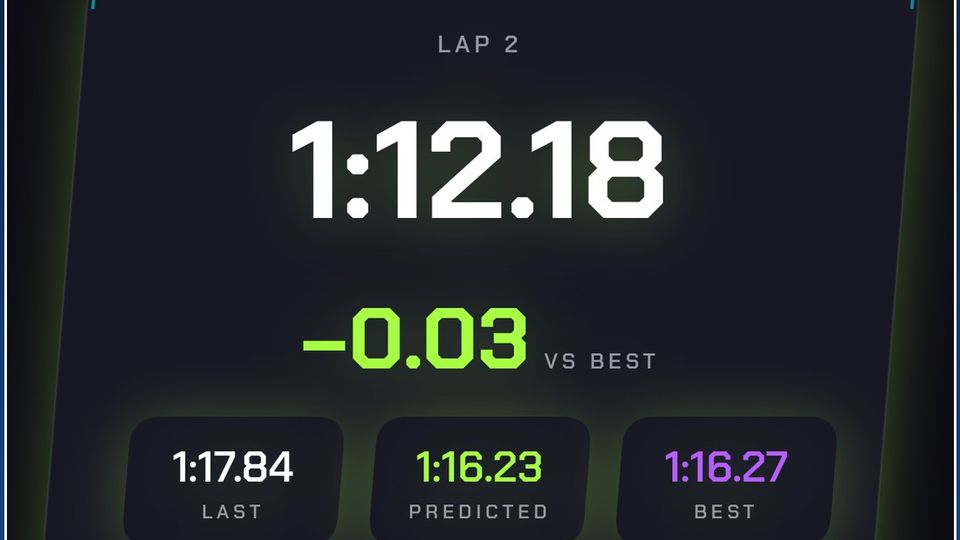
How sectors, the theoretical best lap and the predicted lap fit together is explained in our guide to sector times. If you want to take your own car onto a race circuit next, the preparation is in the track day checklist.
Stay comparable: kart number, weather, heat
A lap time is only worth as much as the comparison it sits in. At a rental track you don't always get the same kart, so note the kart number for each session. If you drive two different karts in one day and one is evenly slower in every sector, it's probably the machine, not you. The same goes for weather: a lap on a damp or dusty surface is no benchmark for a dry one.
On hot summer days the iPhone itself becomes a factor. Apple says iPhone is designed for ambient temperatures of 32 to 95 °F (0 to 35 °C). Above that, charging slows or stops and the display dims or goes black5. Put the phone in the shade between sessions and pick the Relaxed rate in the heat.
Some outdoor tracks also open to two-wheelers, for example on pit bike or supermoto days. For those, GhostShift has bike mode, which shows your lean angle in degrees, left and right separately. The physics behind it are in our guide to lean angle.
Safety: hair, scarves and flags
In an analysis of go-kart incidents, the US Consumer Product Safety Commission explicitly listed long hair or loose clothing being caught in exposed moving parts among the hazards. Of the deaths it examined from 1990 to 1999, four were caused by hair or clothing caught in the chain or belt drive, a wheel or the axle2. The study covered all kinds of karts in the US, not just tracks, but the lesson is the same:
- Tie long hair back and tuck it under the balaclava or helmet.
- No scarves, no drawstrings, no loose jackets that flap outward.
- Take the briefing and the track's flag signals seriously, and follow its overtaking rules.
- Phone only with permission and firmly mounted, never loose in the kart.
FAQ
Does a lap timer app work at an indoor kart track?
Not with GPS. GPS.gov lists indoor use explicitly as a cause of poor positioning. Indoors, rely on the track's own timing.
Can I mount my phone on a rental kart?
That is the operator's call. Ask at the desk or in the briefing before you head out. If mounts aren't allowed, the phone stays in the paddock.
Is the phone's lap time more accurate than the track's timing?
No. GhostShift provides estimates from the iPhone's sensors and is not a certified timing device. The track's timing is the official time. The phone is useful for sectors, the speed trace and comparing your own laps.
Do I have to set a start/finish line at the kart track?
No. GhostShift finds the start/finish line by itself, kart tracks included. The lap timer and lap list are part of GhostShift Pro.
Which measuring rate makes sense for karting?
Standard, at 20 samples a second, is plenty for comparing your laps. Maximum, at 50 a second, gives denser points; Relaxed, at 10, keeps the iPhone cooler on hot days.
Sources
- GPS Accuracy – GPS.gov (US government)
- Go-Kart Related Injuries and Deaths to Children – U.S. Consumer Product Safety Commission, September 2000
- Exposure to vibrations, like those generated by high-powered motorcycle engines, might impact iPhone cameras – Apple Support
- Racing line (section: Late apex, after Bentley 1998) – Wikipedia
- If your iPhone or iPad gets too hot or too cold – Apple Support
GhostShift is not a calibrated or certified instrument: every value is an estimate from your iPhone's sensors. Only do timed runs on a closed course with the operator's permission.