

OBD2 app: engine data, live Under the hood, no more guessing.
One OBD2 adapter and your cockpit shows what the ECU knows: real rpm, boost, temperatures and battery voltage, live and logged with every session.

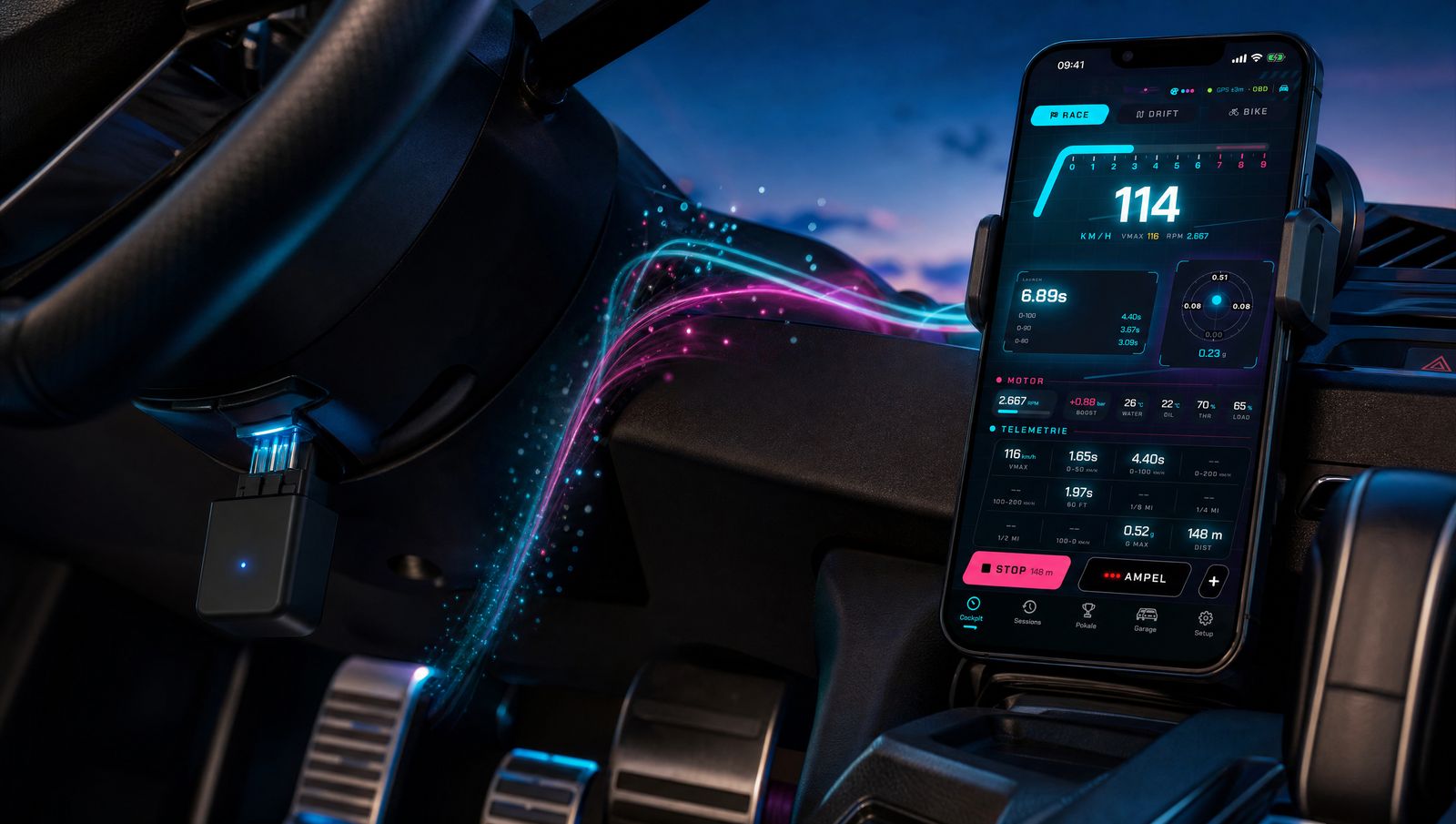
Your engine talks. We listen.
Plug an OBD2 adapter into the diagnostic port and GhostShift reads along live: RPM, boost, coolant and oil temperature, throttle, load and battery voltage. Over Bluetooth LE or Wi-Fi, straight to your iPhone, logged in every session.
- 2,667RPM
- +0.88bar boost
- 92 °Ccoolant
- 104 °Coil
- 70 %throttle
- 14.2 Vbattery
-
Real RPMThe tachometer in the cockpit shows what the ECU reports. Shift lights included.
-
Bluetooth LE or Wi-FiWorks with common ELM327 adapters. Plug in, pair, drive.
-
Optional, not requiredGhostShift measures without an adapter too. With one, you also know what's going on under the bonnet.
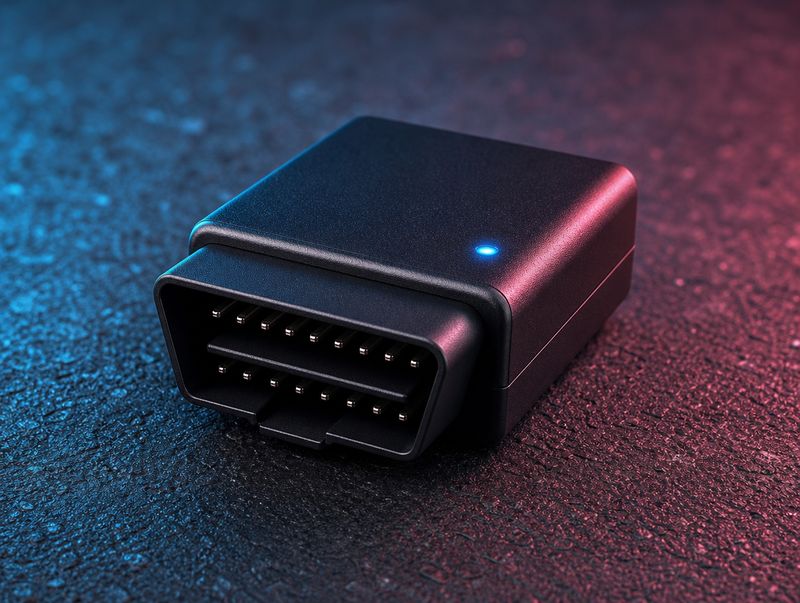
This is what an OBD2 adapter looks like.
One small plug, no tools, no cables. It talks over Bluetooth LE or Wi-Fi. Classic Bluetooth adapters don't work with iPhone, so check before you buy.
-
 1
1That's it
An ELM327 adapter, barely bigger than a matchbox, with Bluetooth LE or Wi-Fi.
-
 2
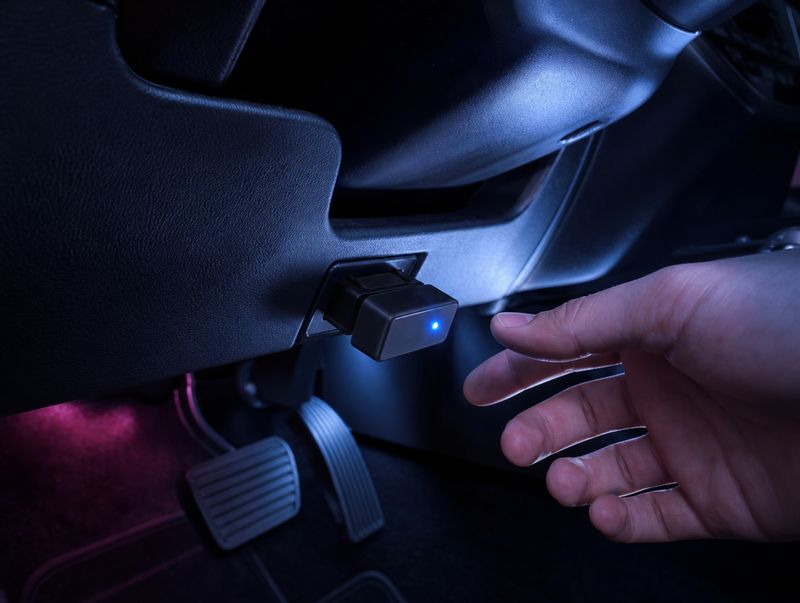
2Where it goes
Into the OBD2 port under the dashboard, usually in the footwell below the steering wheel. Almost every modern car has one.
-
 3
3Links up on its own
Pair it once in GhostShift under Setup › Vehicle & sensors. From then on the app finds the adapter by itself when you get in, and RPM, boost and temperatures run live in the cockpit.
Quick answers.
Which OBD2 adapter works?
Common ELM327 adapters with Bluetooth LE or Wi-Fi. Plug it in, connect it in GhostShift under Setup › Vehicle & sensors, done. Which values arrive depends on your car's ECU.
GhostShift for iPhone
Free on Apple's App Store. iOS 17 or later, with a companion app for Apple Watch.
Try Pro free for 3 days.Android version in the works.
